The order, at a glance
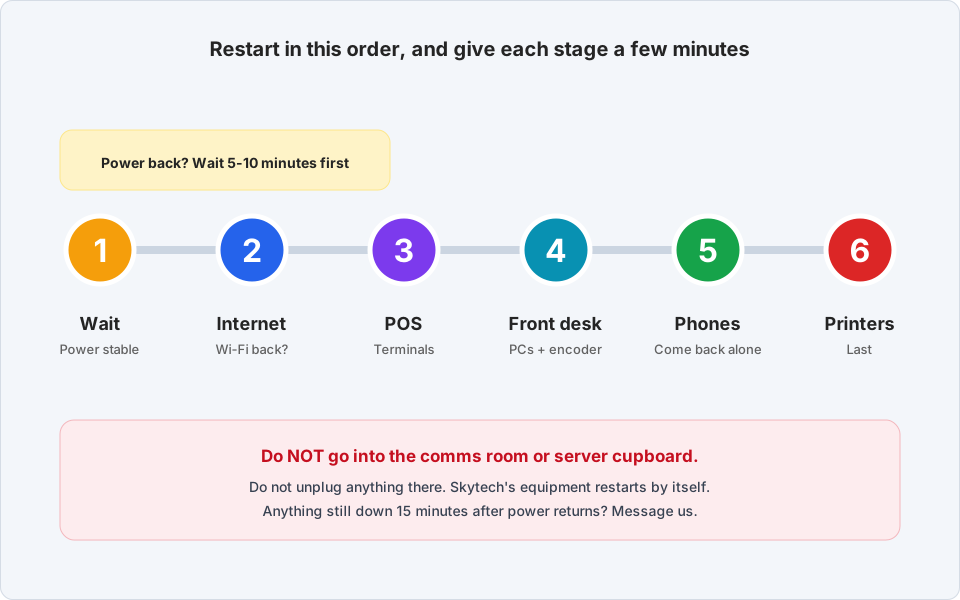
After the power comes back
-
Wait until the power is stable
Do not rush. When the power returns, or a generator switches over, the lights can flicker for a few minutes. Wait until it has stayed on steadily for a few minutes before you switch anything on.
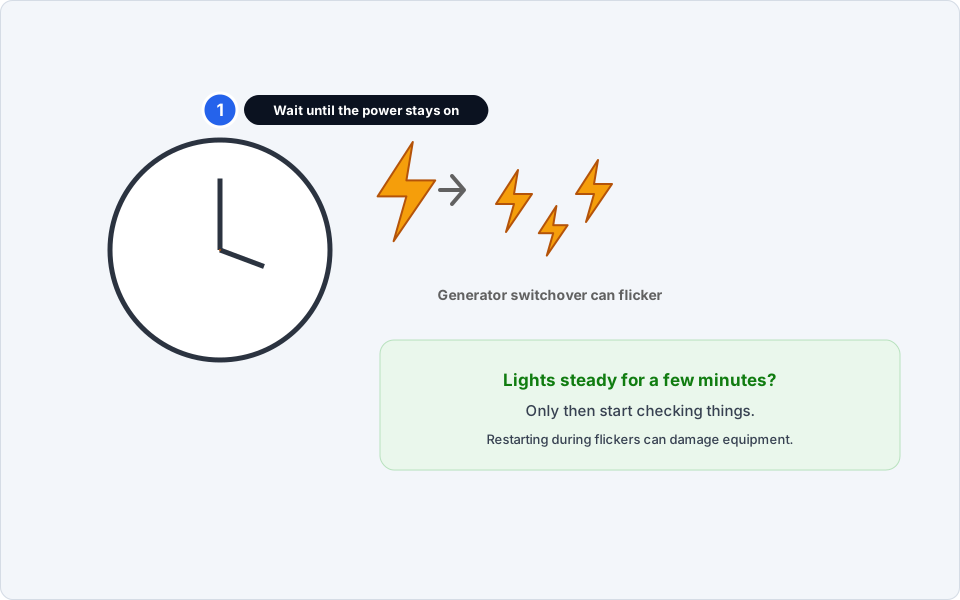
Wait for steady power.Click picture to enlarge -
Do NOT go into the comms room or server cupboard
Do not open it, and do not unplug or switch off anything in there. Skytech's network and server equipment normally restarts by itself and needs about 5 to 10 minutes. Use that time for the checks below.
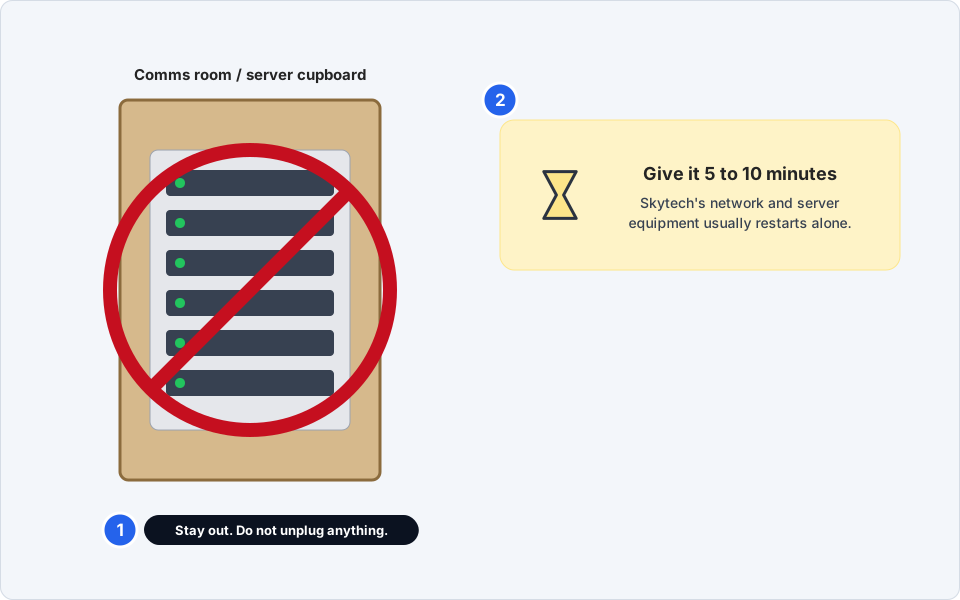
Leave the equipment alone.Click picture to enlarge -
Check the internet and Wi-Fi are back
Take your phone and connect to the staff Wi-Fi. Open a web page. If it loads, the network is up.
Not back yet? Wait. It can take up to 10 minutes.
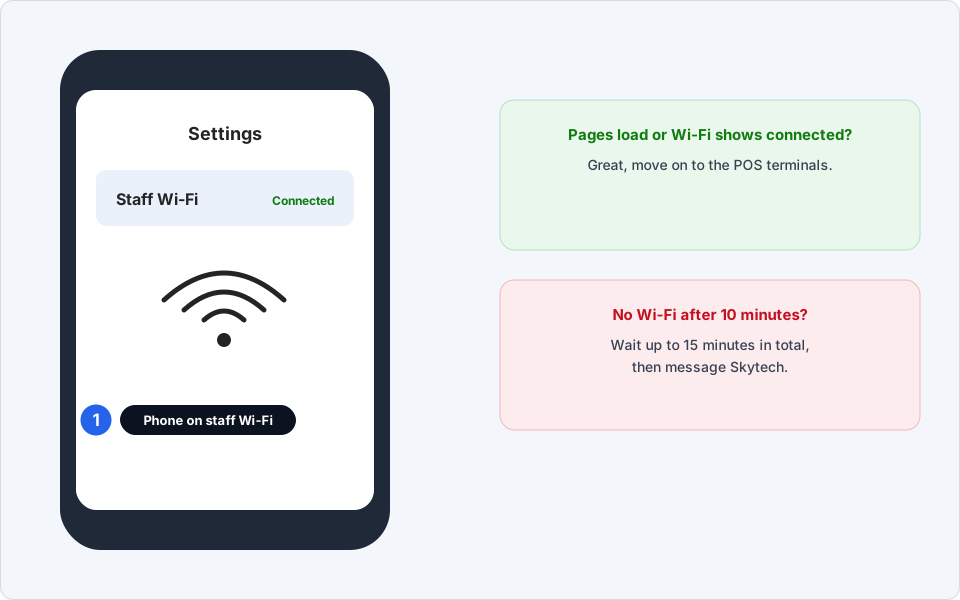
Test with your phone.Click picture to enlarge -
POS terminals, after the POS server is back
Restart a terminal only after the network is back and the POS server has had time to start. If a terminal shows Loading or Connecting, wait. It will often finish on its own. If it stays stuck, see POS terminal not working.
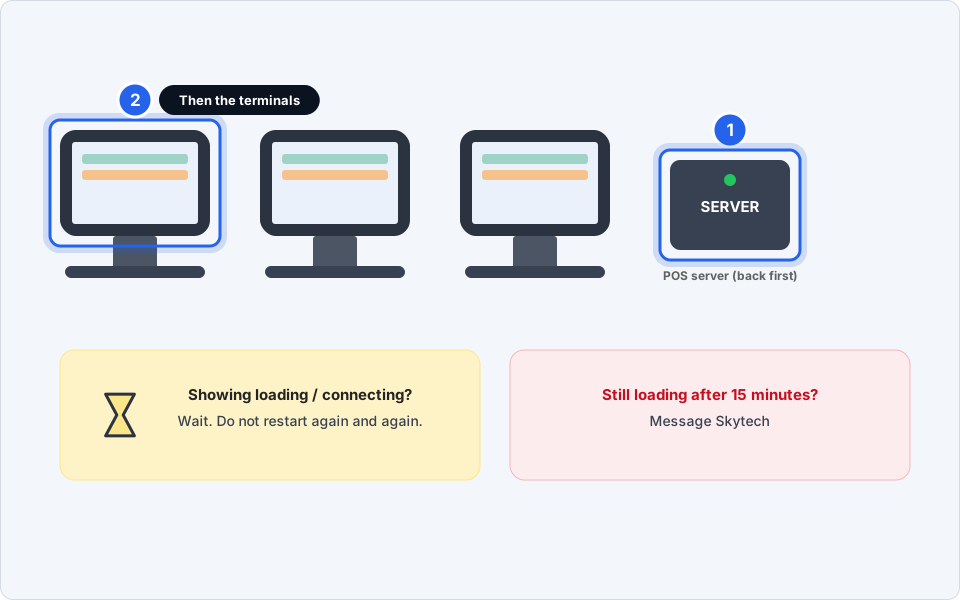
Server first, then terminals.Click picture to enlarge -
Front-desk PCs and the key card encoder
Press the PC's power button once and wait. When it is on, open the key card software. Check the encoder light is on. If the encoder does not respond, see key card encoder problems.
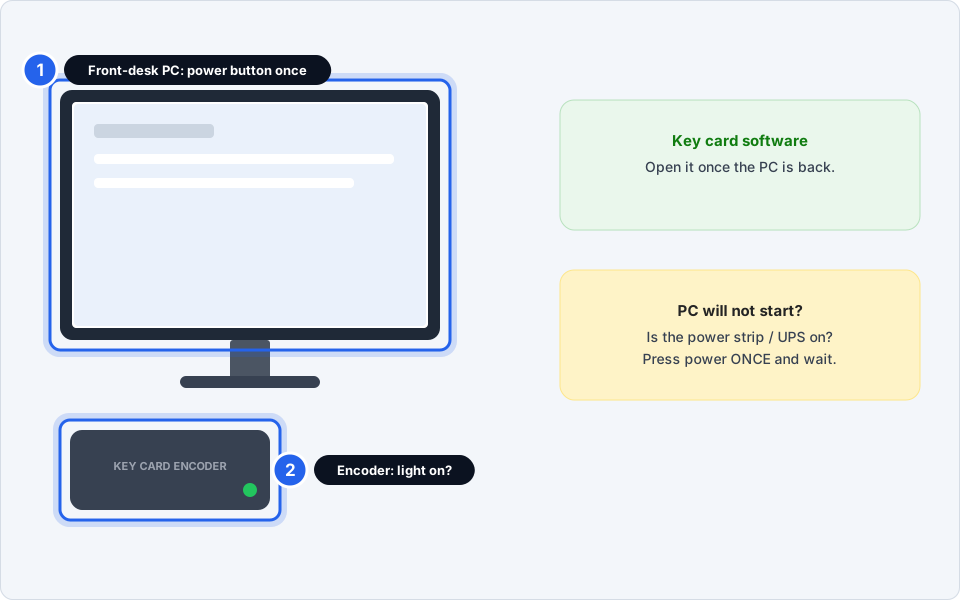
PCs, then the encoder.Click picture to enlarge -
Desk phones, then printers
Desk phones come back on their own once the network is up. Give them a few minutes. See desk phone not working if one stays dead.
Printers go last. Check each has its power light on and paper in it.
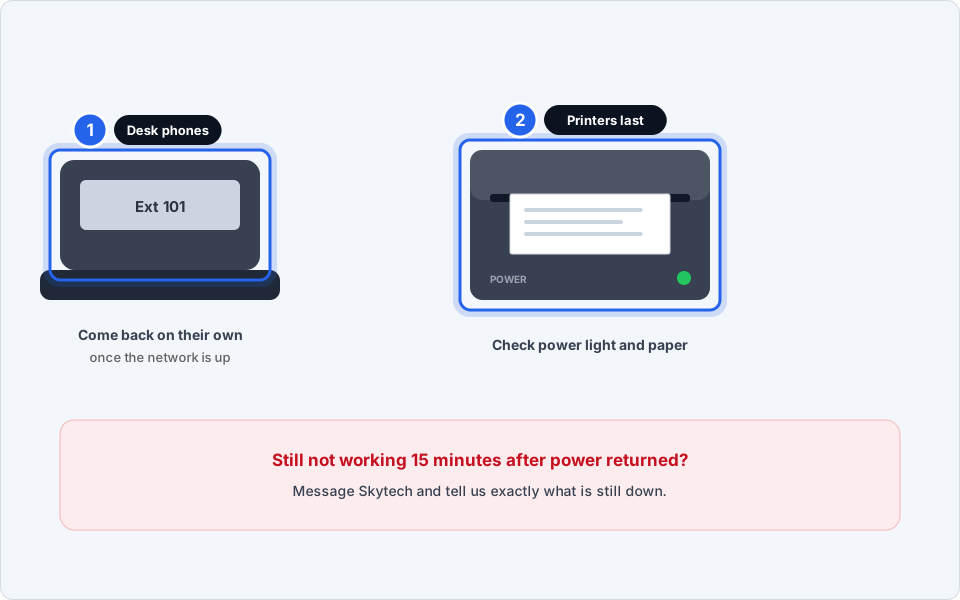
Phones return alone; printers last.Click picture to enlarge -
Computer will not turn on, or a UPS is beeping?
Computer: check the power strip or UPS it is plugged into is switched on. Press its power button once and wait a minute.
UPS beeping: do not switch it off. It may be running on battery or protecting equipment. Message us.
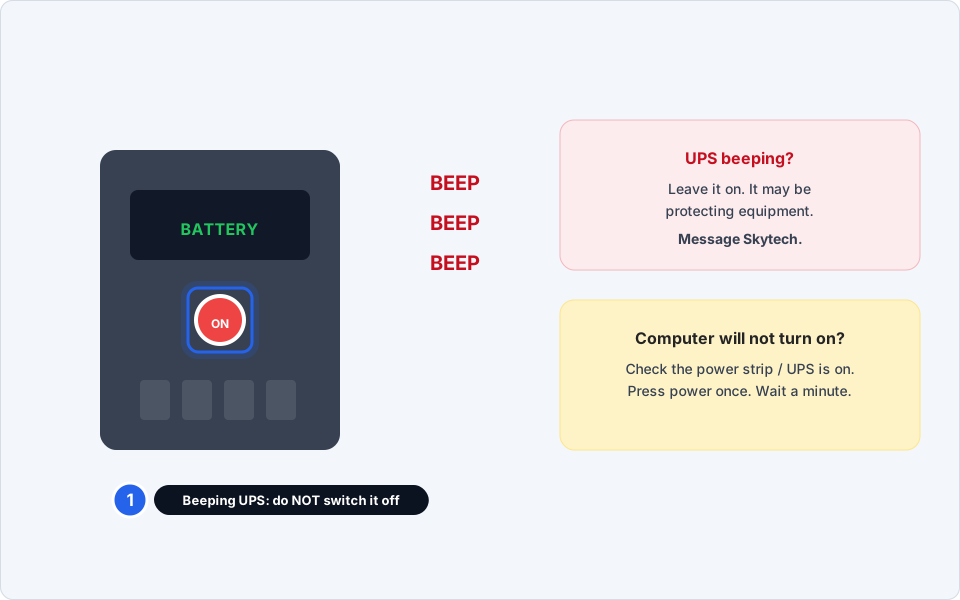
Leave a beeping UPS on, and tell us.Click picture to enlarge -
Message us if anything is still down after 15 minutes
If something is still down 15 minutes after the power came back, message us. Say what is still down, and what you already tried.
Everything back up
Test one POS order, one phone call and the internet. Tell us if anything behaved strangely.
Still not working?
There is no Wi-Fi at all, even after 15 minutes
Do not go into the comms room. Message us. It may be a problem with the internet provider as well as your own equipment.
The POS terminals keep saying Loading
That is normal for a few minutes after a power cut. If it lasts more than 15 minutes, message us and tell us whether all terminals or just one are affected.
A desk phone is dead but the others work
Check its cable at the back is clicked in. If the phone is still dead after 15 minutes, tell us the extension.
The power flickers on and off again
Switch non-essential equipment off until it is steady. Frequent flickering can damage equipment.
A UPS is beeping and I cannot tell why
Do not switch it off. Take a photo of its display and message us.