You do not need to be a computer expert to keep your work safe. Five small habits stop most of the problems we see. Read them once, then do them without thinking.
1. Lock your screen when you walk away
Even for two minutes. A locked screen stops a customer, a visitor or a cleaner from reading your email or sending something in your name.
-
Press the lock keys
Windows: hold the Windows key (the one with the window logo, bottom-left of the keyboard) and tap L.
Mac: hold Control and Command and tap Q.
You will see the lock screen. Type your password or PIN to come back.
Your PIN for Windows is not the same as your password. If you don't have one or don't know it, message us.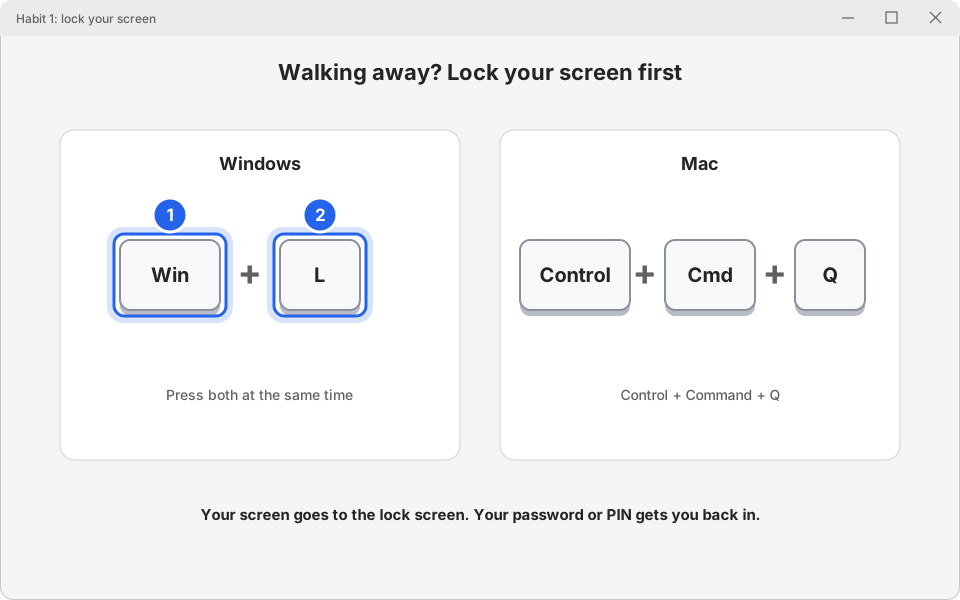
1 Windows key · 2 LClick picture to enlarge
2. Install updates and restart
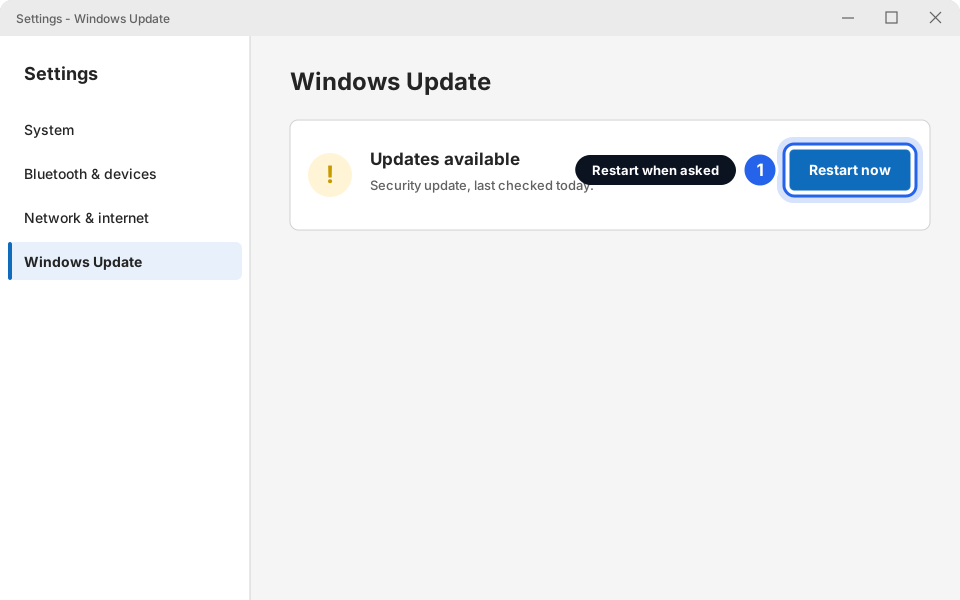
Updates fix security holes that criminals know about. When your computer asks to restart, do it at a quiet moment that day, not next week. Details: Install Windows updates (and why they matter).
3. Think before you click
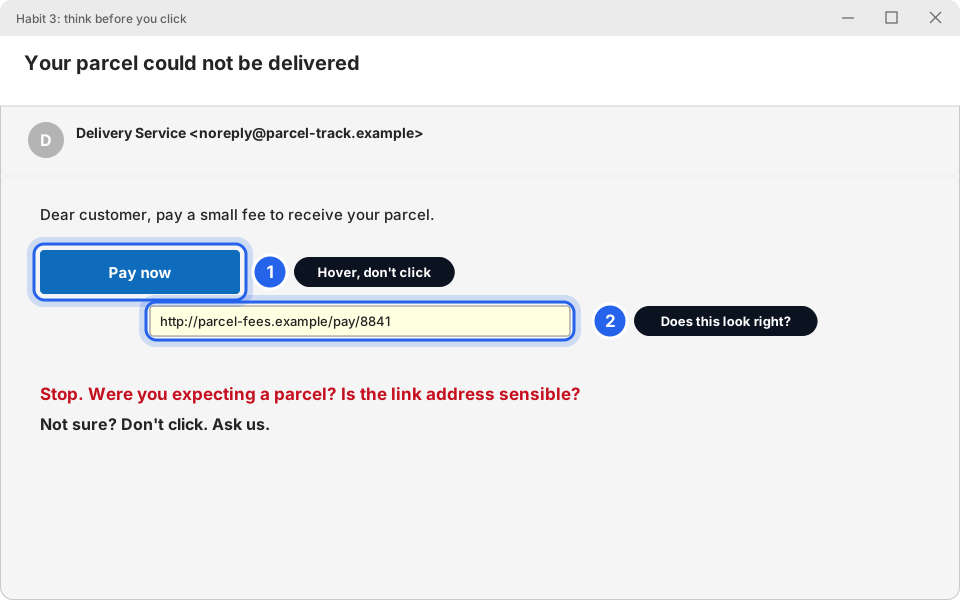
Scam emails and messages try to make you rush. Stop and ask three questions: Was I expecting this? Does the sender's address look right? Is it asking for a password or money? If you are unsure, don't click. Ask us. See How to spot a scam email.
4. Don't plug in unknown USB sticks, and don't install software yourself
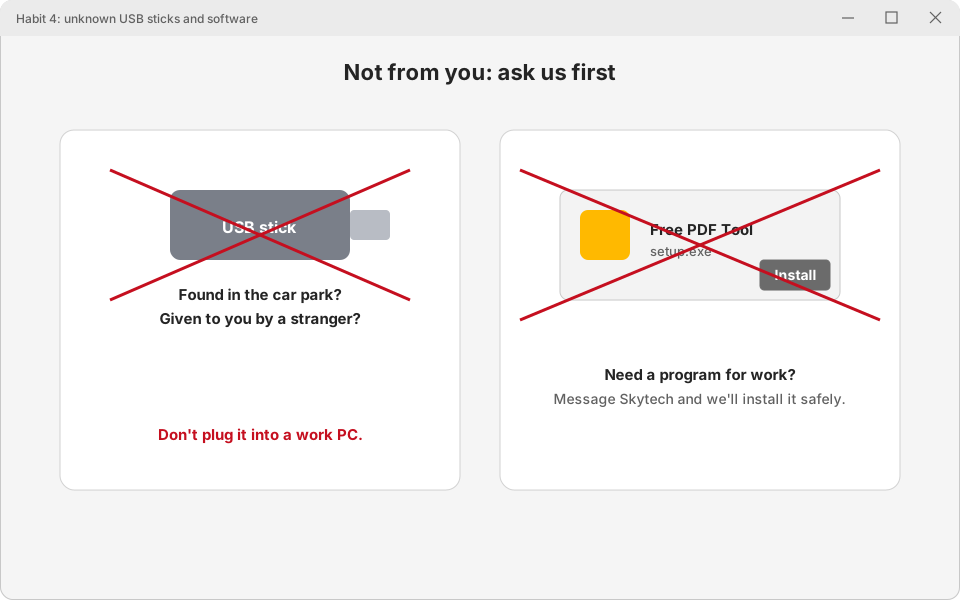
A USB stick found on the ground, or "free" software from a website, can carry a virus. On work computers, ask us first. If you need a program for your job, message us and we'll install it safely. Never plug a stranger's USB stick into a work PC.
5. Be careful on public Wi-Fi (hotel, airport, cafe)
Open Wi-Fi is shared with strangers, and some networks are fake copies set up to spy.
-
For sensitive work, use your phone's hotspot
For banking, payroll, or anything with customer details, turn on your phone's hotspot (also called Personal Hotspot on iPhone, and Mobile hotspot on Android) and connect your laptop to that instead. It may use your mobile data.
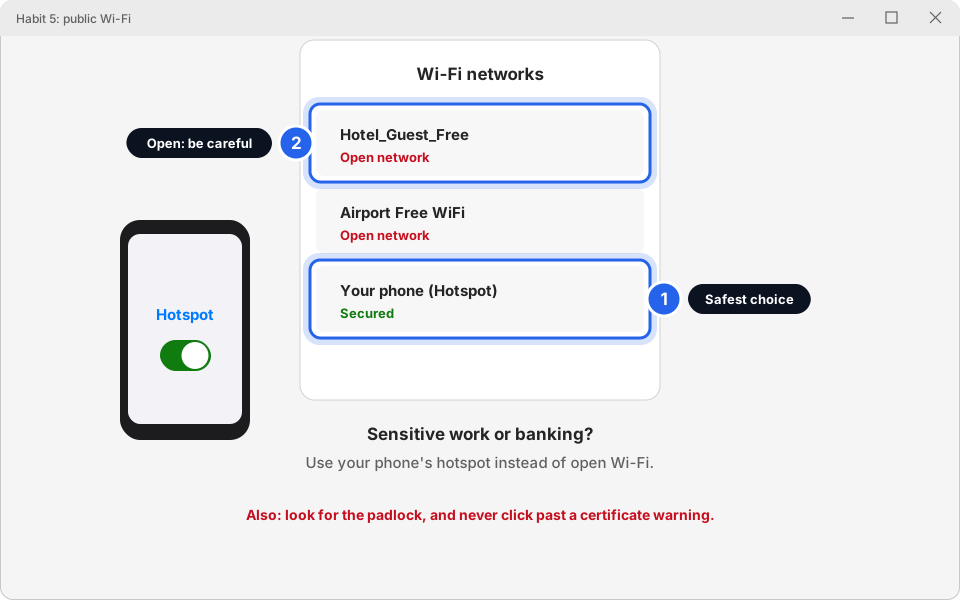
1 Hotspot · 2 Open networksClick picture to enlarge -
Look for the padlock, and never click past a warning
Check that the address starts with https:// and there is a padlock beside it. If your browser shows a full-page warning such as Your connection isn't private, do not continue. See Website not loading or acting strange?.
Bonus habit: tell us early
That's all five
Lock, update, think, ask first, and take care on public Wi-Fi. Plus tell us early.
Questions
Do I have to lock the screen at the front desk?
Yes, if you step away, even briefly. The few seconds it takes are worth it.
I plugged in a USB stick before I read this.
Don't panic. Take it out, don't use it again, and message us. We'll check the computer.
I clicked a link in a strange email.
Tell us right away and don't type any password. If you already did, change it from the real sign-in page. See Strong passwords.
Is the hotel Wi-Fi safe for email?
For quick, low-risk things, usually. For banking, payroll or customer data, use your phone's hotspot.